Free online text remover
Start in your browser with JPG, PNG, or WebP files. Free 720p downloads are available without installing Photoshop.
Remove text, watermarks, object,people,captions, and logos from images or photos. Upload a picture, brush the unwanted area, and clean it with AI in seconds.
or drop a file,
Free online text remover for JPG, PNG, and WebP photos up to 20MB.
Free online image cleanup
Clean unwanted words from a photo, product picture, poster, screenshot, or scanned image without switching tools.
Start in your browser with JPG, PNG, or WebP files. Free 720p downloads are available without installing Photoshop.
Clean product photos, screenshots, posters, scanned pictures, social graphics, and AI-generated visuals.
Paint only the words, logo, caption, watermark, or label you want removed, then let AI rebuild the selected area.
A simple workflow for removing captions, logos, price labels, timestamps, and watermarks from an image or photo.
Choose a JPG, PNG, or WebP picture from your device.
Mark captions, watermarks, prices, labels, or logos.
Preview the cleaned result and download the finished file.
Use cases
Clean text, watermarks, prices, labels, captions, and unwanted marks from photos, posters, product images, real estate pictures, bills, and social media visuals.
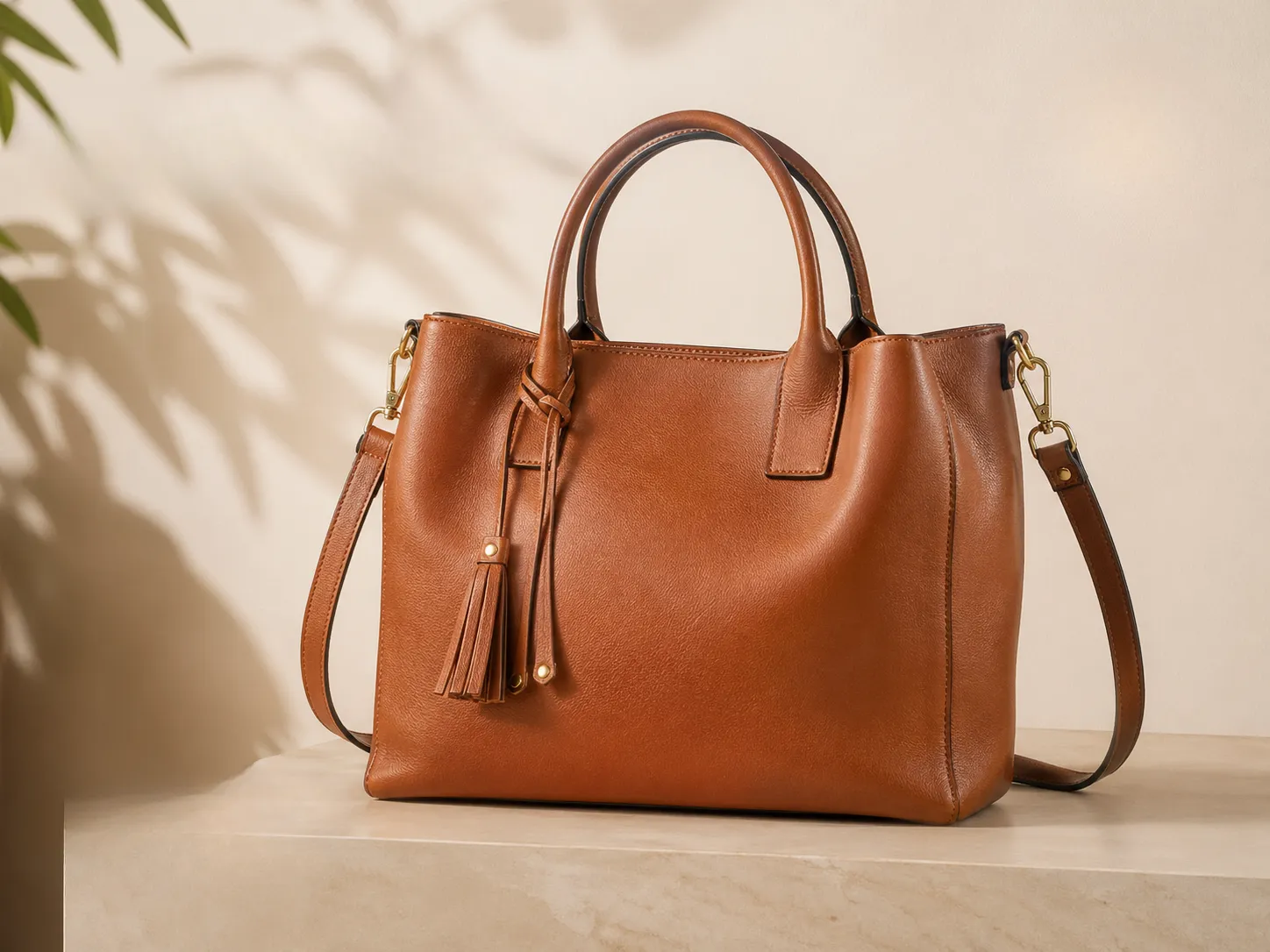
 Original
Clean price tags, sale labels, badges, and promotional text from product images for marketplaces, ads, and online stores.

 Original
Erase old dates, event names, slogans, and unwanted typography from poster designs without rebuilding the whole image.
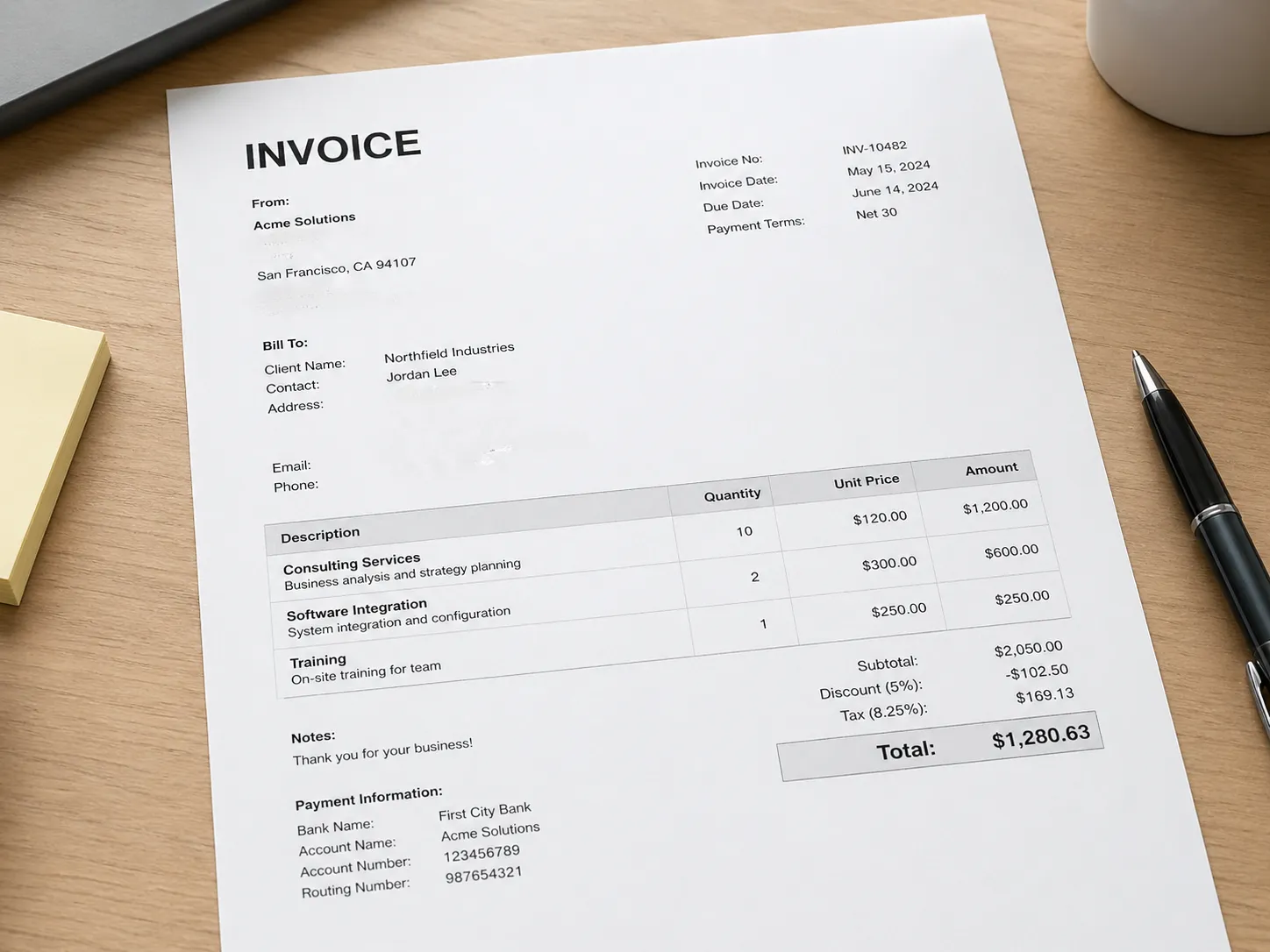
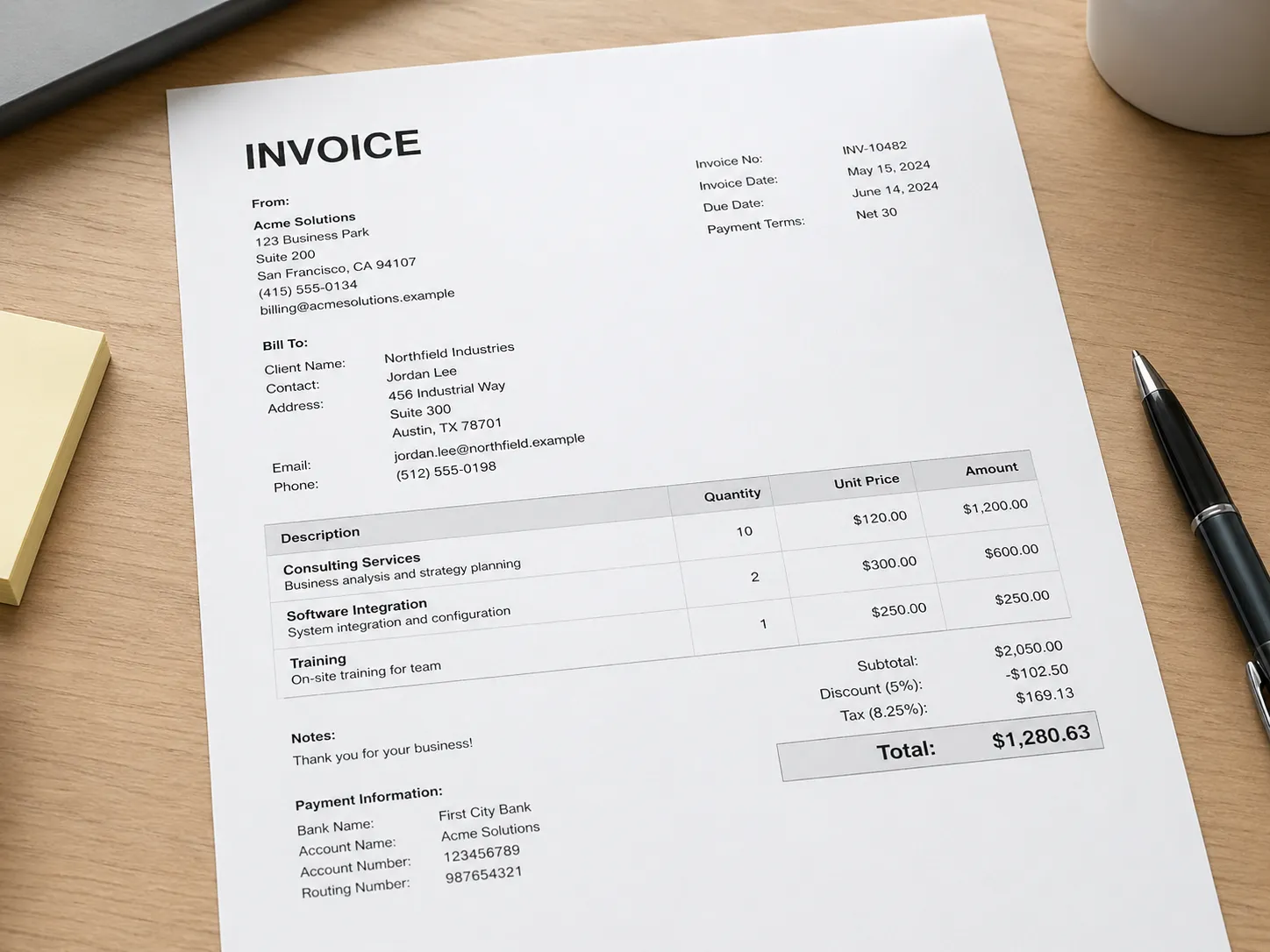 Original
Clean listing labels, signs, watermark marks, and text overlays from property photos for clearer presentations.

 Original
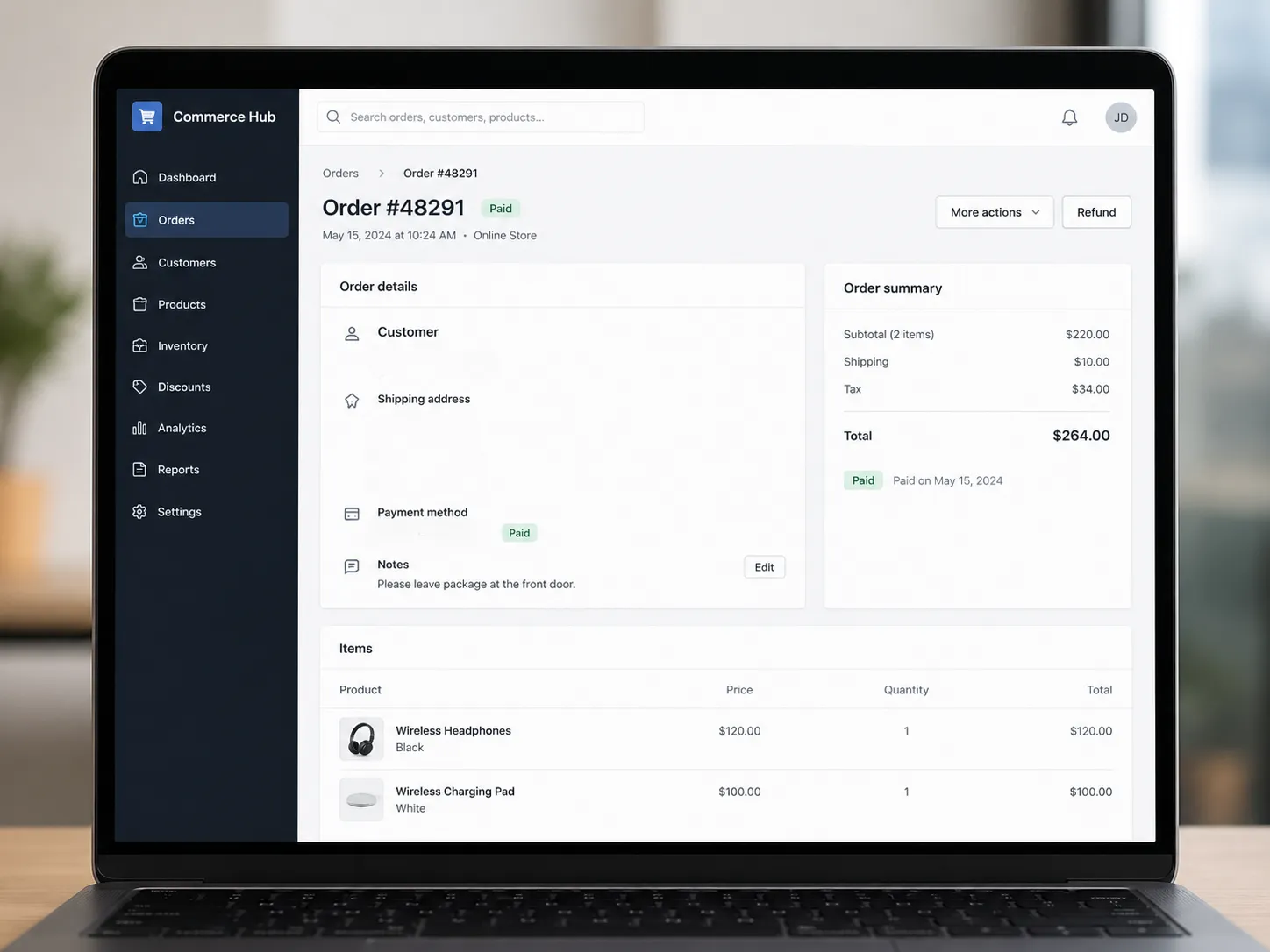
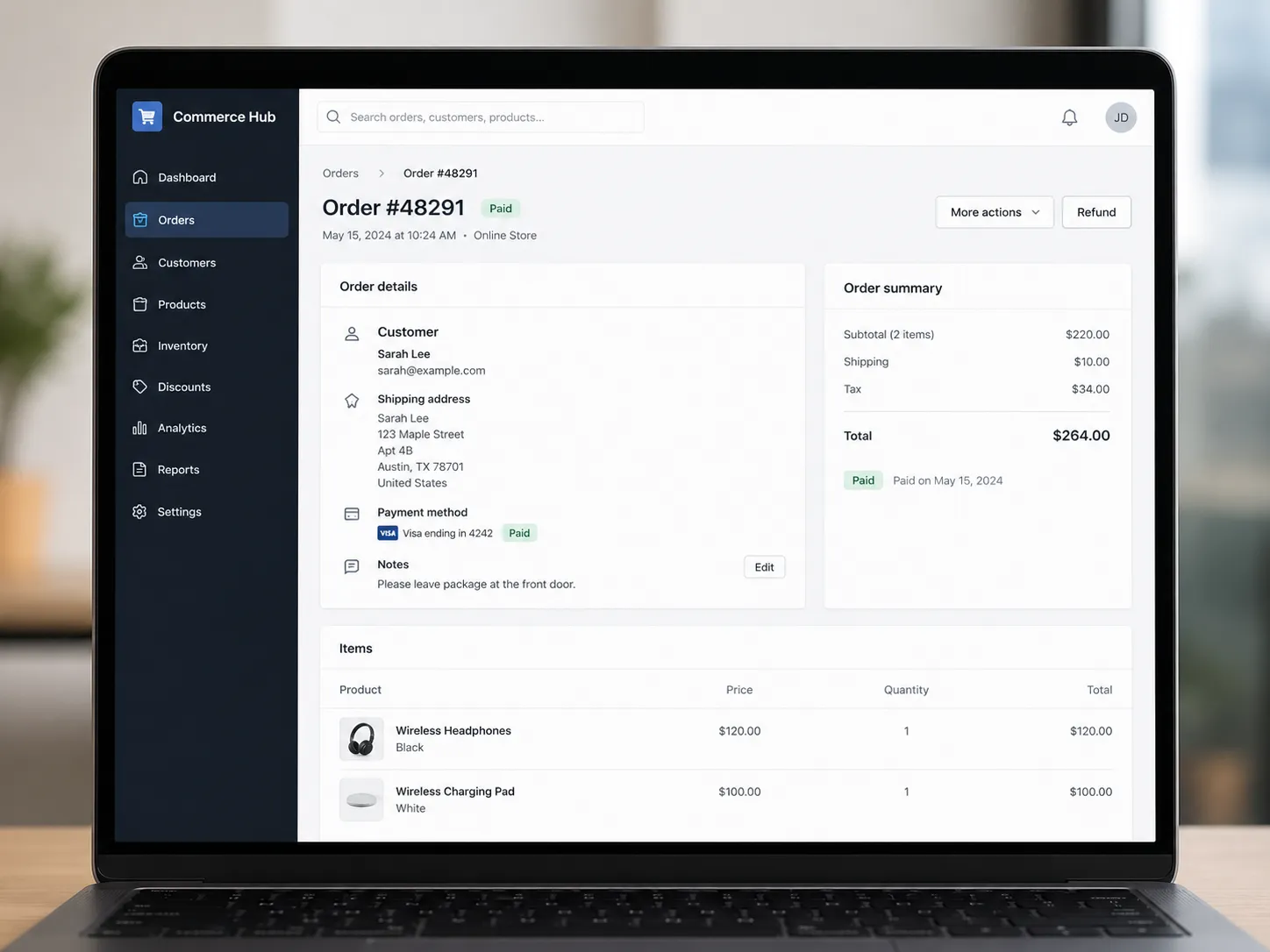
Remove captions, stickers, usernames, and text overlays from posts, stories, memes, and shared pictures.
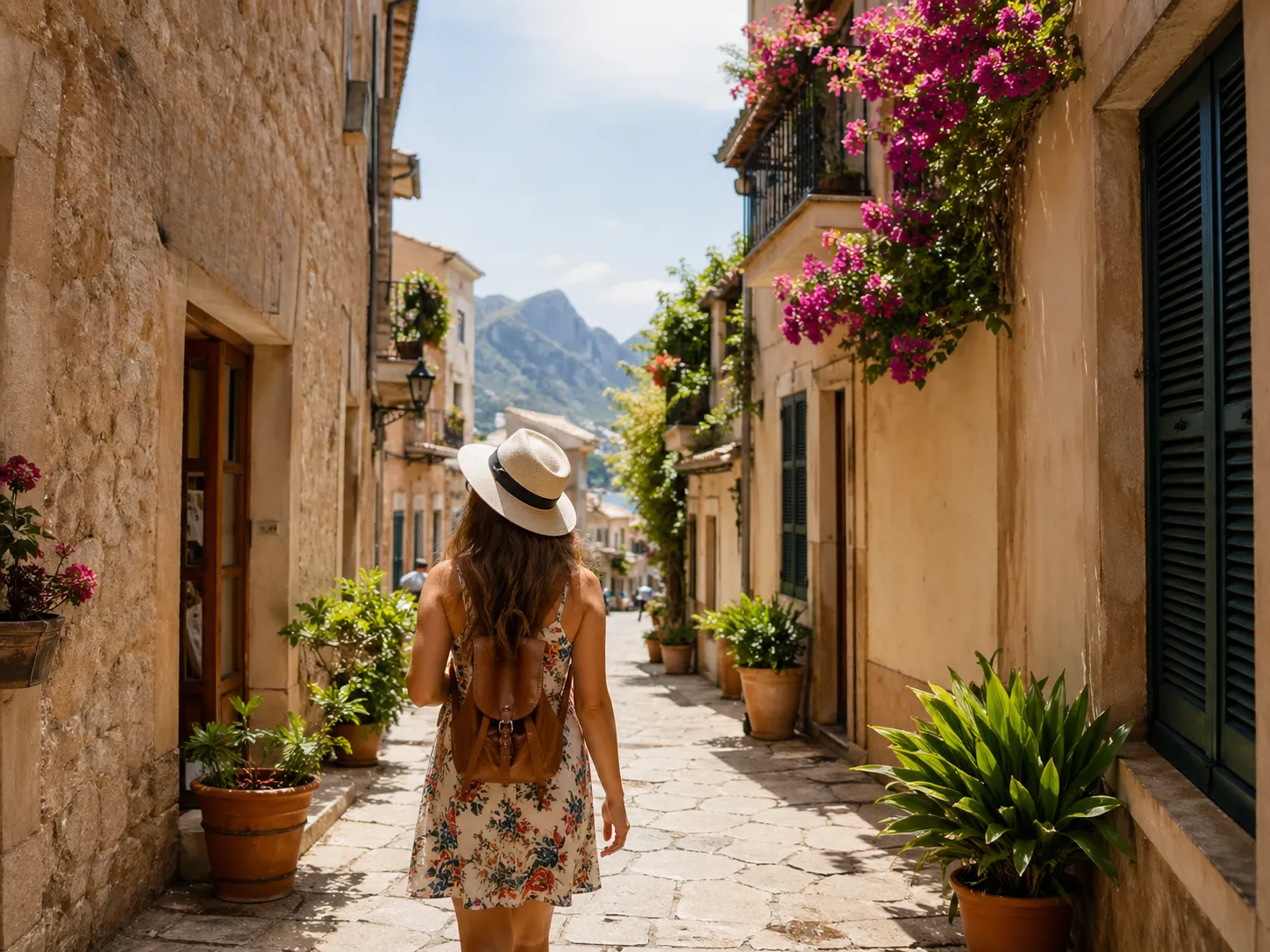
 Original
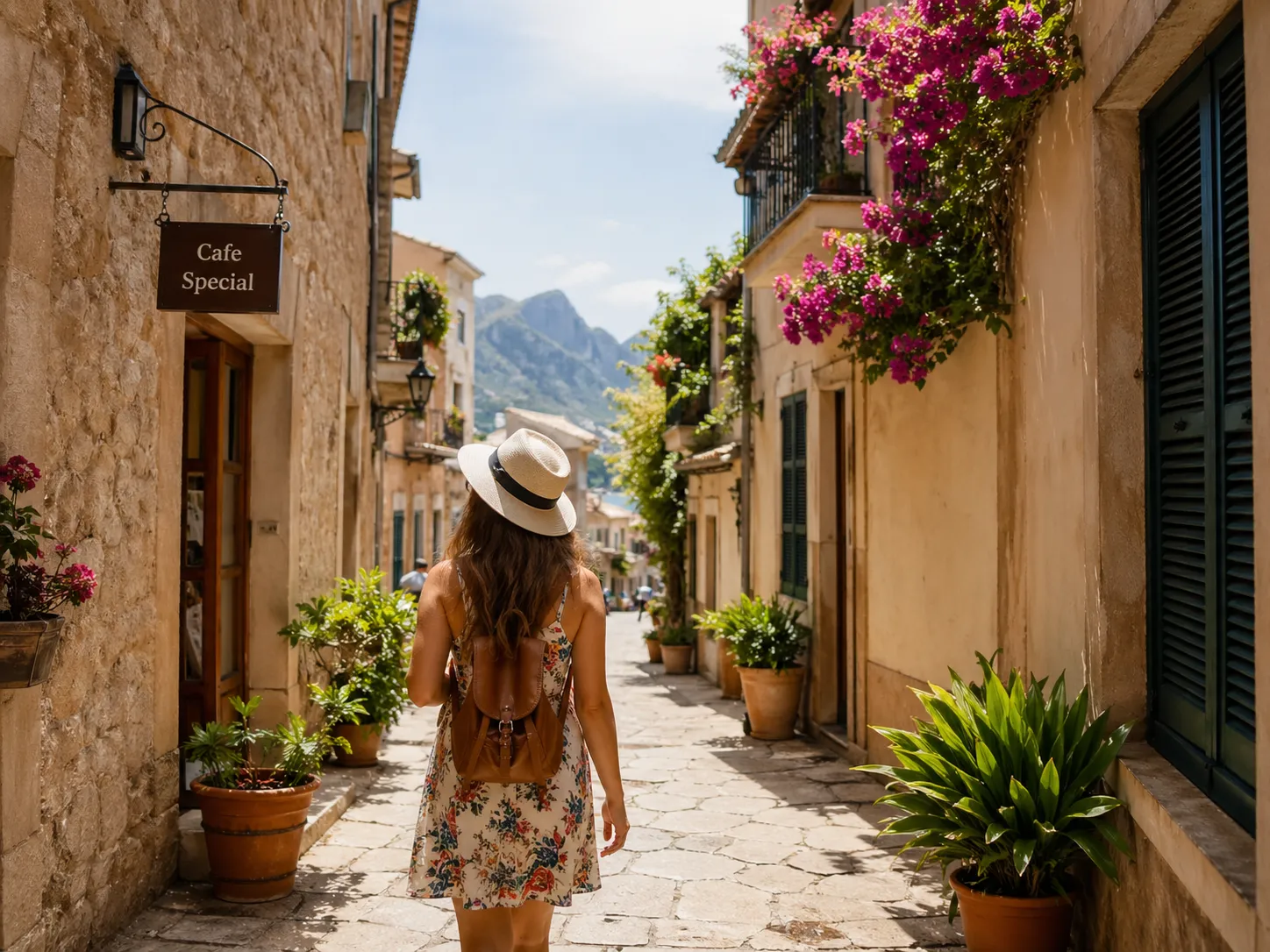
Erase signs, labels, timestamps, or watermark text from travel pictures while keeping the scene natural.
 Original
Clean selected text from bills, receipts, scanned pages, and document images when you need a cleaner visual.
Browser-based editor
The editor is built for quick visual cleanup. Upload a picture, select the exact text area with the brush, preview the result, and keep editing until the image looks right.
Free and HD downloads
Free downloads are capped at 720p. Use credits or Pro when you need the cleaned photo at its original size for ads, listings, design work, or client delivery.
Export a 720p cleaned image for quick sharing and previews.
Use credits or Pro to keep the full photo resolution.
Related AI tool
Use the AI background remover when you need transparent product photos, portrait cutouts, or design assets without manual tracing.
Yes. Upload an image, brush over the unwanted words or watermark, and the cleanup model fills the selected area using the surrounding pixels.
You can use the browser tool online and download free results up to 720p. Original-size HD downloads are available with credits or Pro.
Yes. The editor supports common image files including JPG, PNG, and WebP, so it works for photos, pictures, screenshots, posters, and product images.
No. The brush editor and AI cleanup run in the browser, so you can remove text from image files without desktop editing software.
The current workflow keeps the file in your browser and sends it only for the cleanup request. It is not written to R2, history, or a public gallery.
Upload a photo or picture and remove unwanted text online in a few clicks.