Automatic background remover
Upload JPG, PNG, or WebP files and let AI separate the subject from its background automatically.
Remove background from image files automatically with AI. Upload JPG, PNG, or WebP photos, create a transparent PNG, and refine the cutout with a brush when an edge needs extra cleanup.
or drop a file,
Remove background from image uploads up to 20MB. Supports JPG, PNG, and WebP.
Free online image cleanup
Clean product pictures, portraits, social graphics, and design assets without switching tools.
Upload JPG, PNG, or WebP files and let AI separate the subject from its background automatically.
Create transparent PNG results for product photos, portraits, social posts, and design assets.
Process in the browser, review the cutout, brush away leftover background, and download without desktop software.
A simple workflow for removing photo backgrounds and exporting transparent subject cutouts.
Choose a JPG, PNG, or WebP picture from your device.
AI detects the main subject and clears the surrounding background.
Preview the result and export a clean PNG file.
Background removal use cases
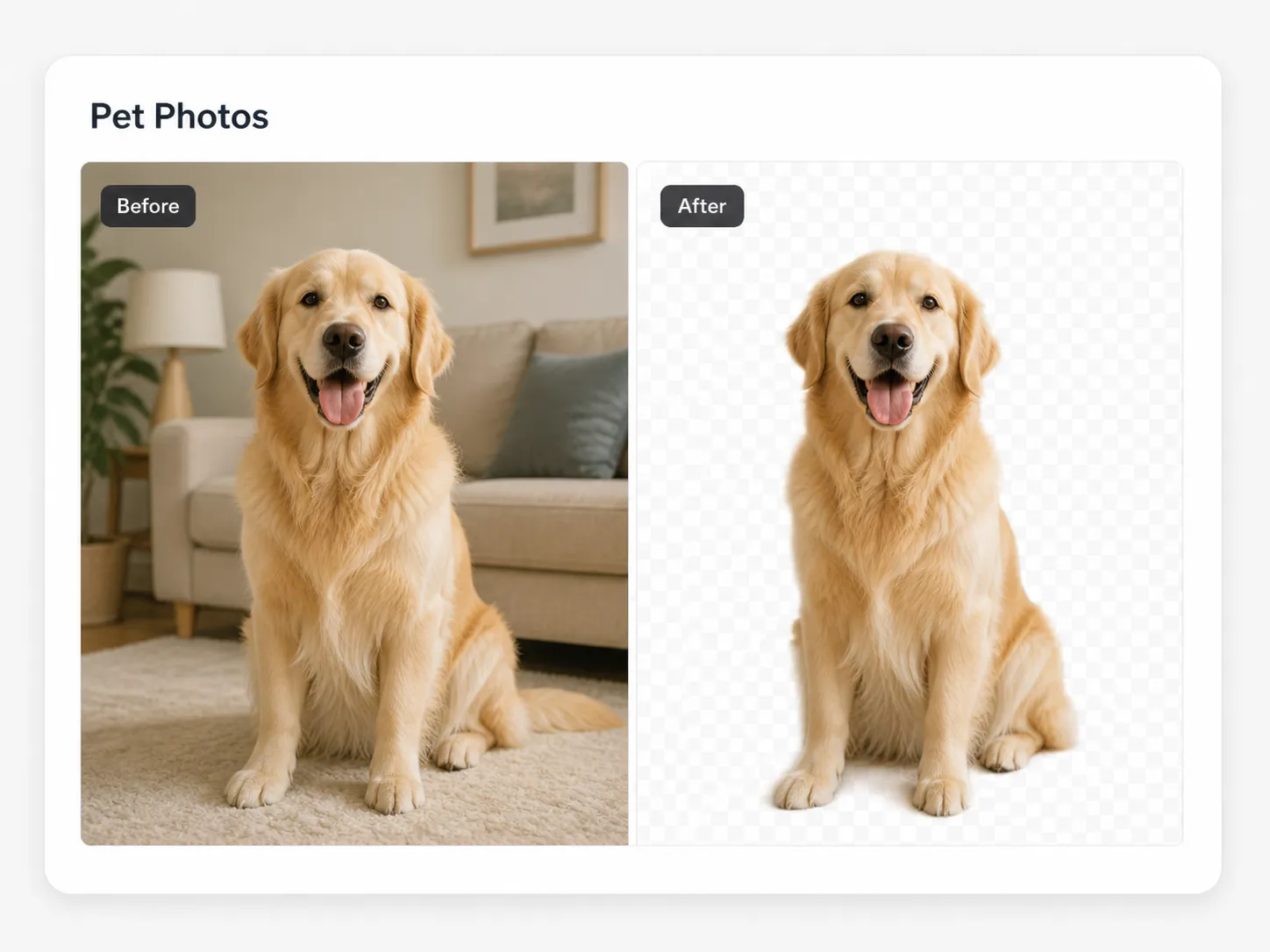
Each example image already includes its before and after view, so you can scan the result directly without dragging a comparison control. Use these examples to judge remove background from image results across everyday creative work.
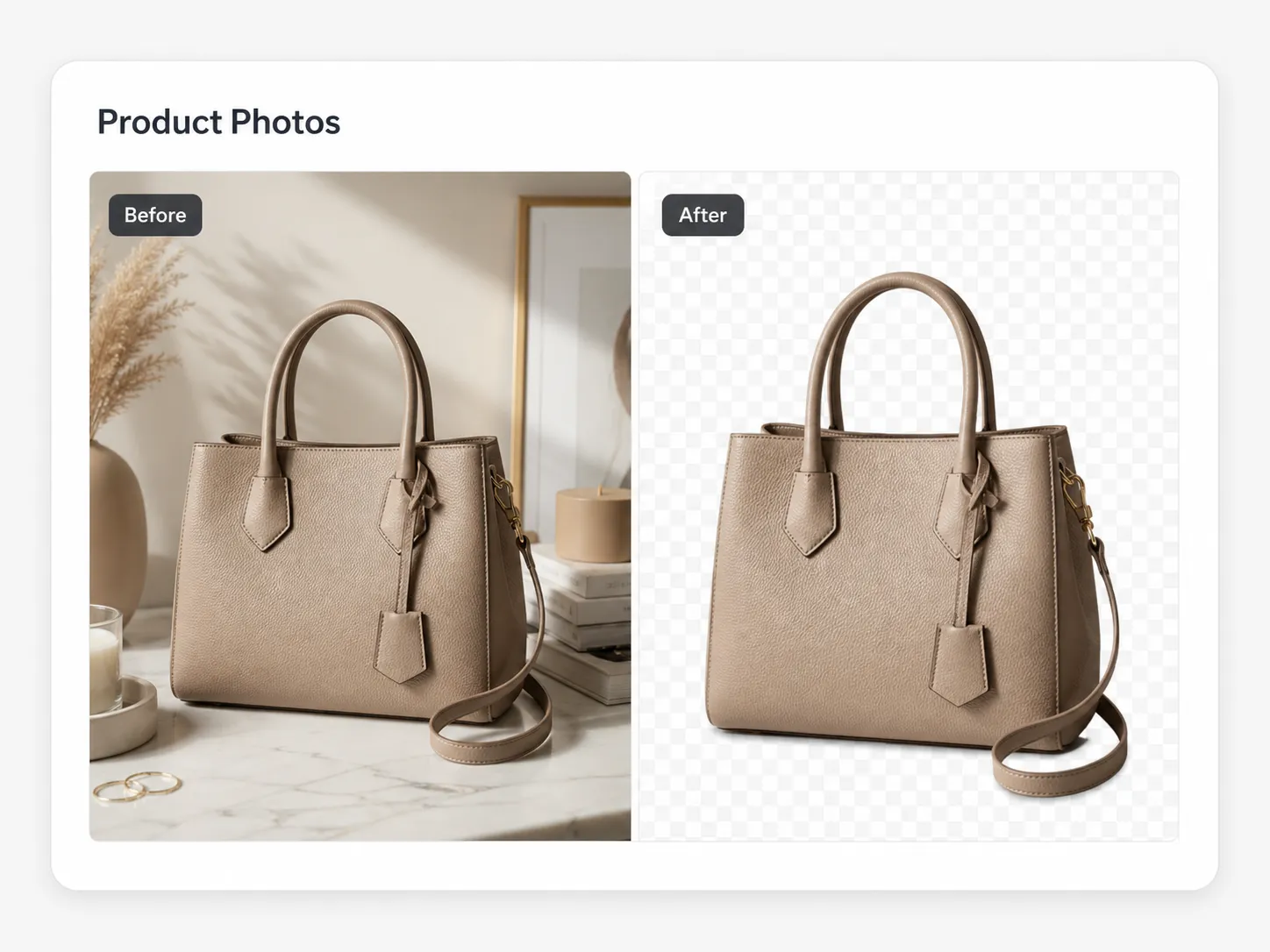
Create product cutouts for catalog, marketplace, and ad layouts.
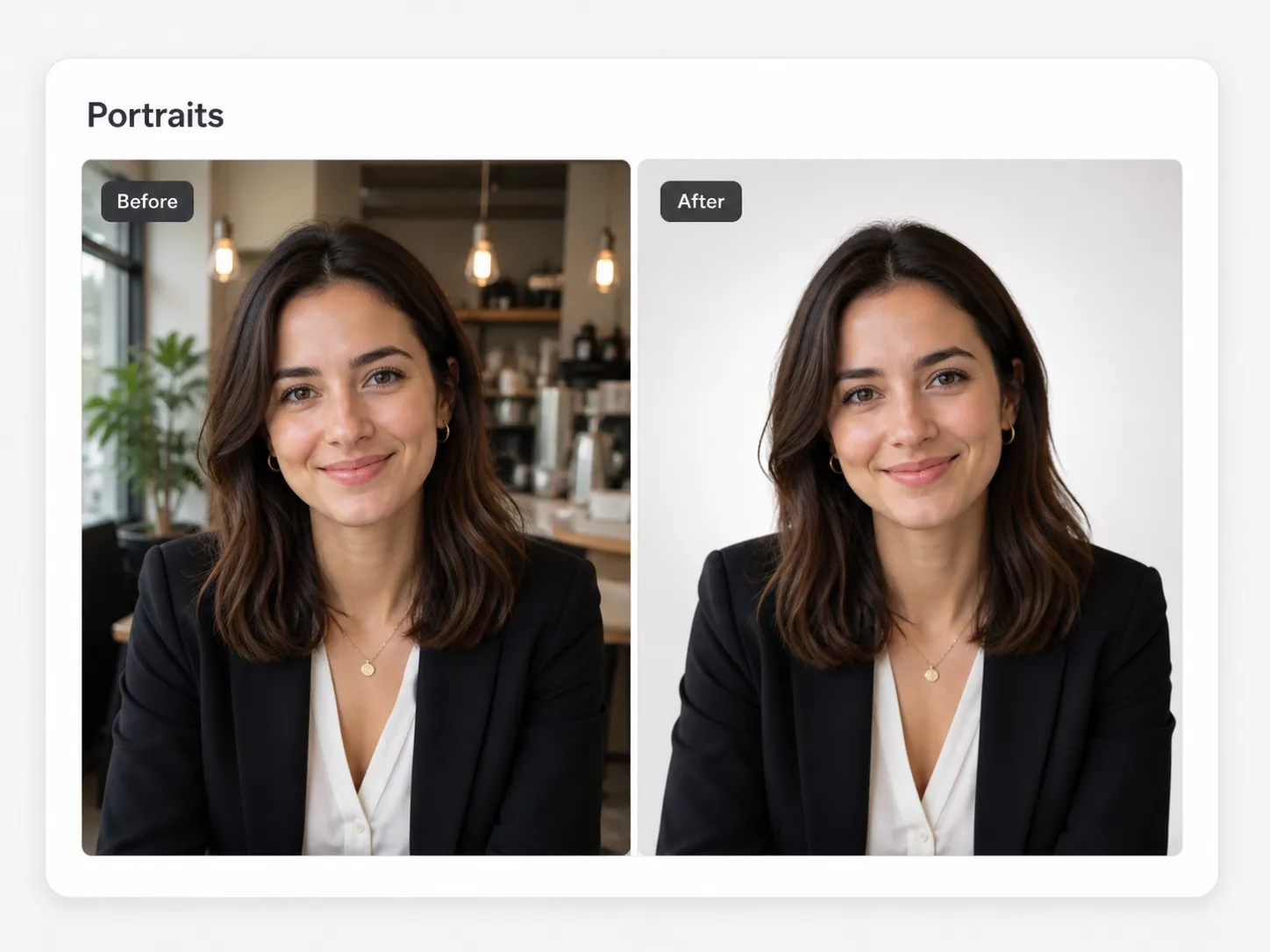
Create profile, team, and creator portraits with clean transparent PNG output.
Cut out pets for social posts, shop graphics, stickers, and keepsakes.
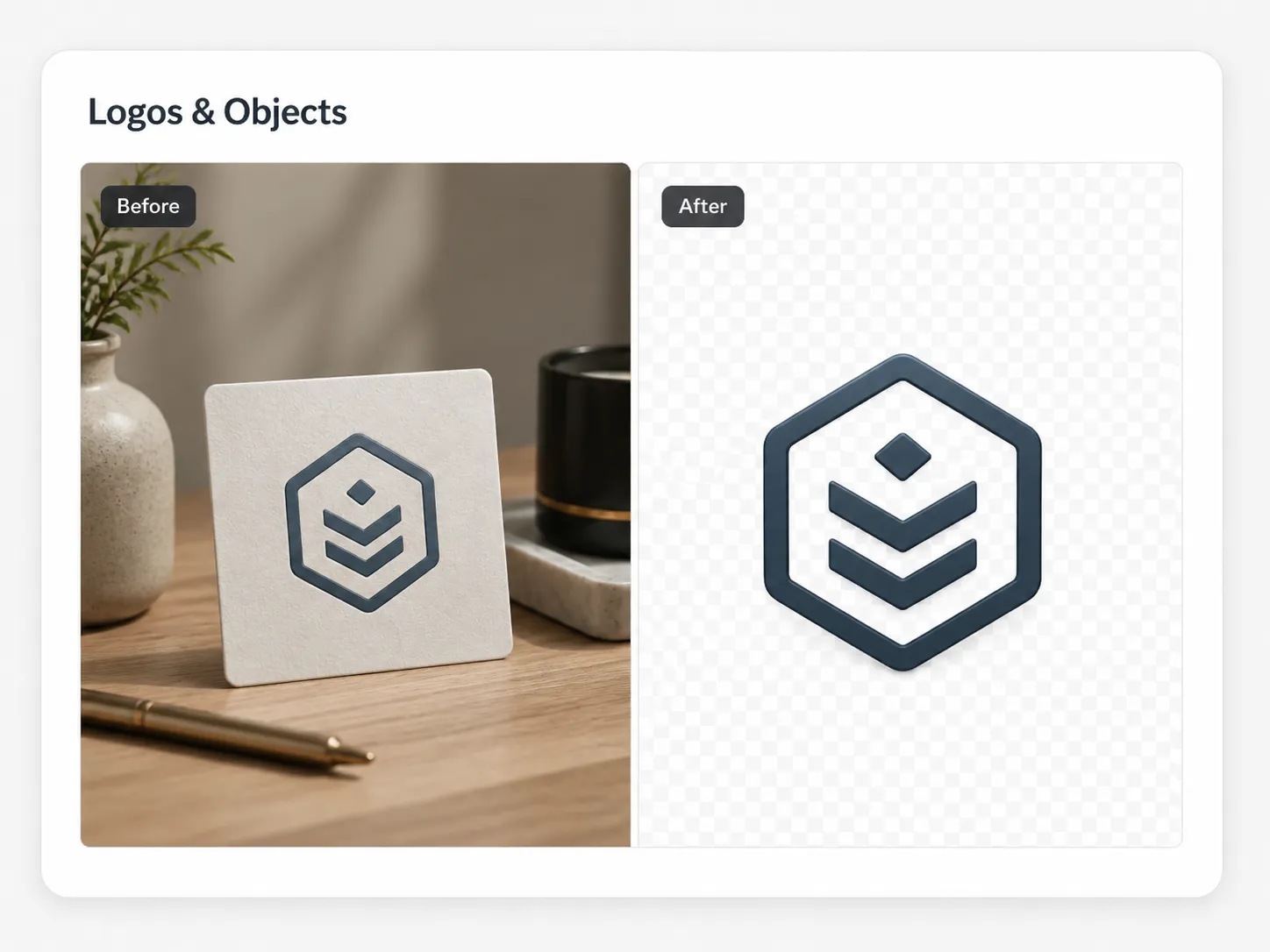
Extract logo artwork from busy backgrounds for presentations and mockups.
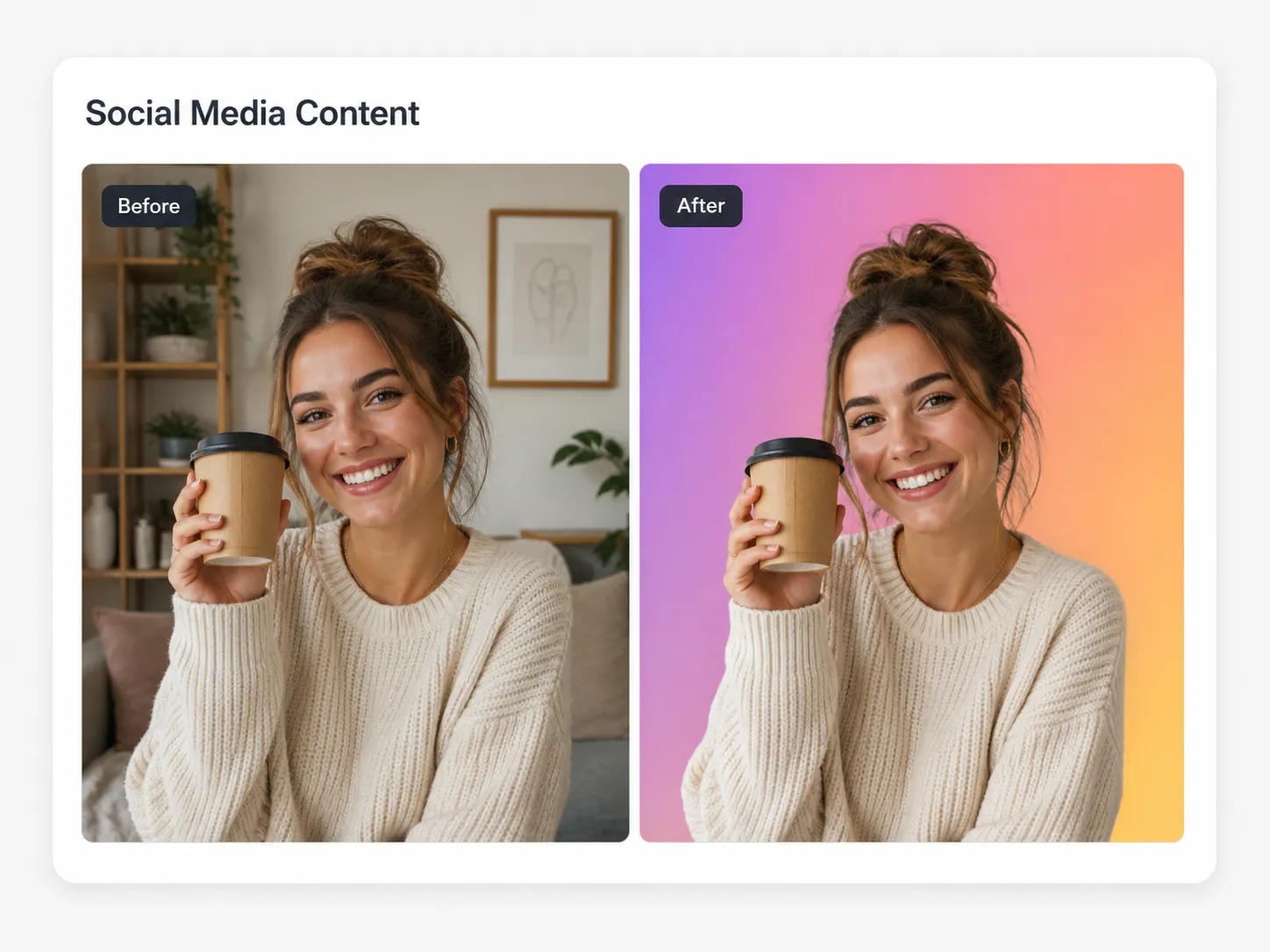
Build reusable subject assets for thumbnails, posts, stories, and ads.
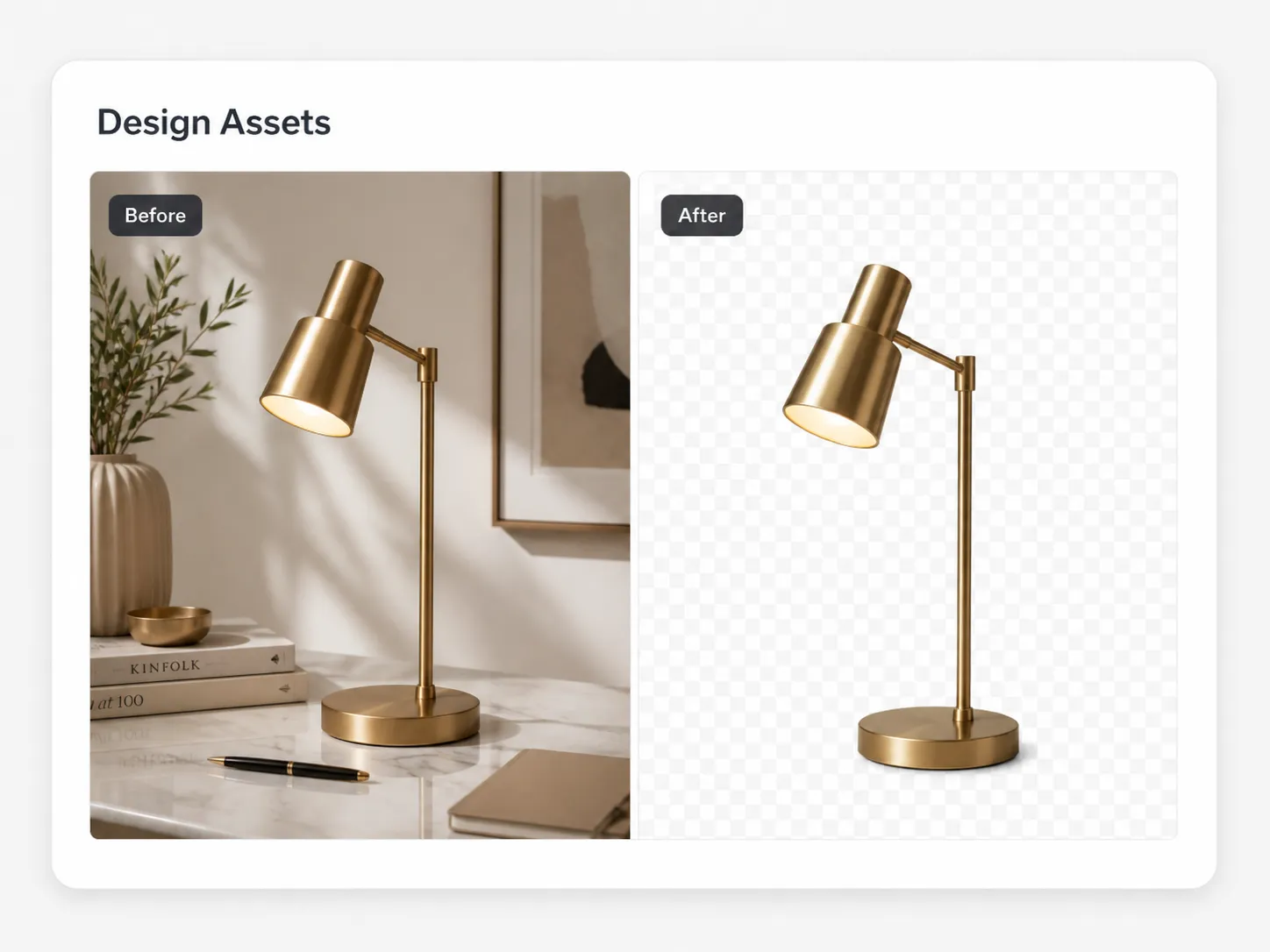
Remove image background areas before compositing subjects into banners or layouts.
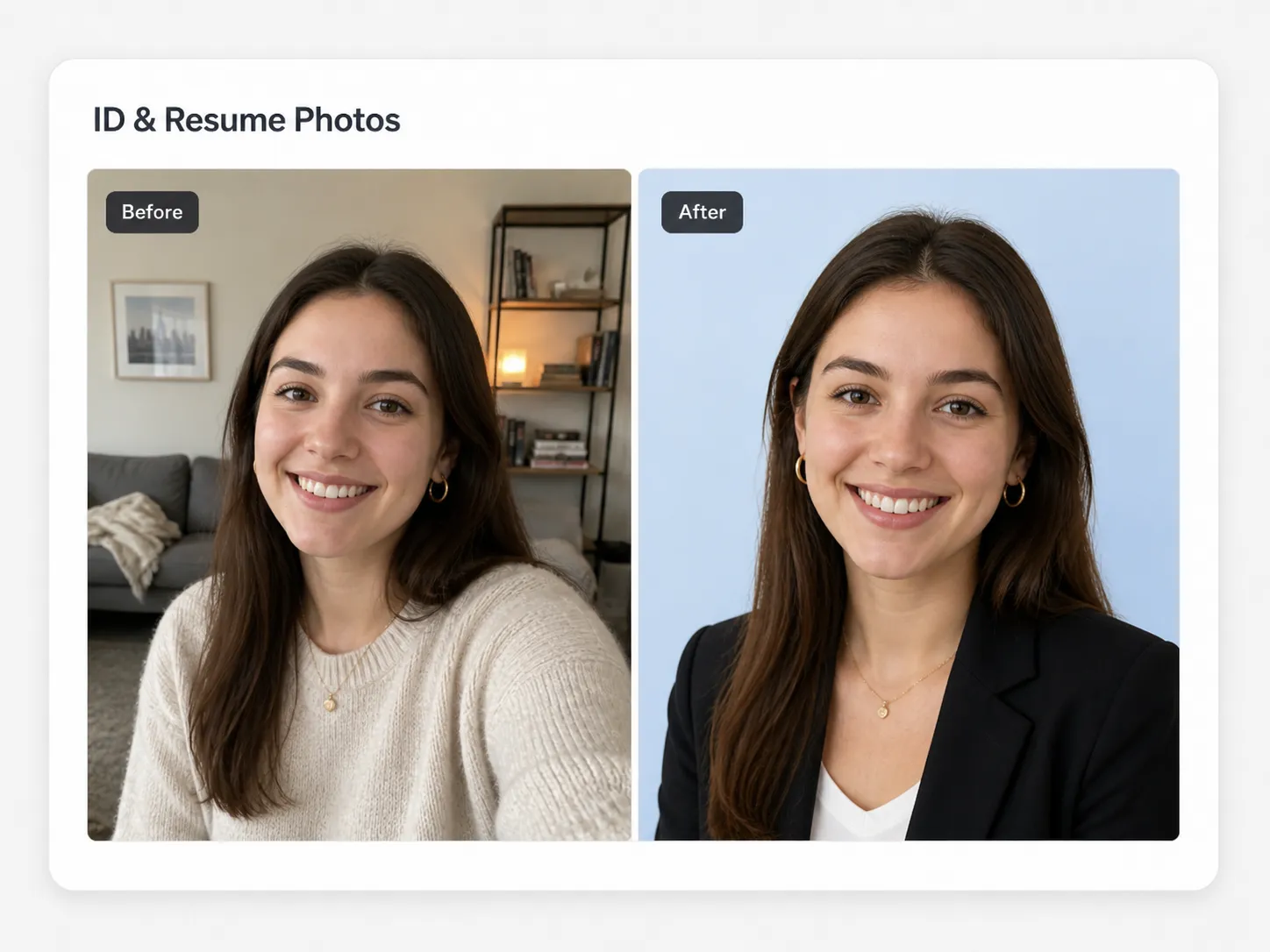
Create cleaner headshots for documents, profiles, resumes, and forms.
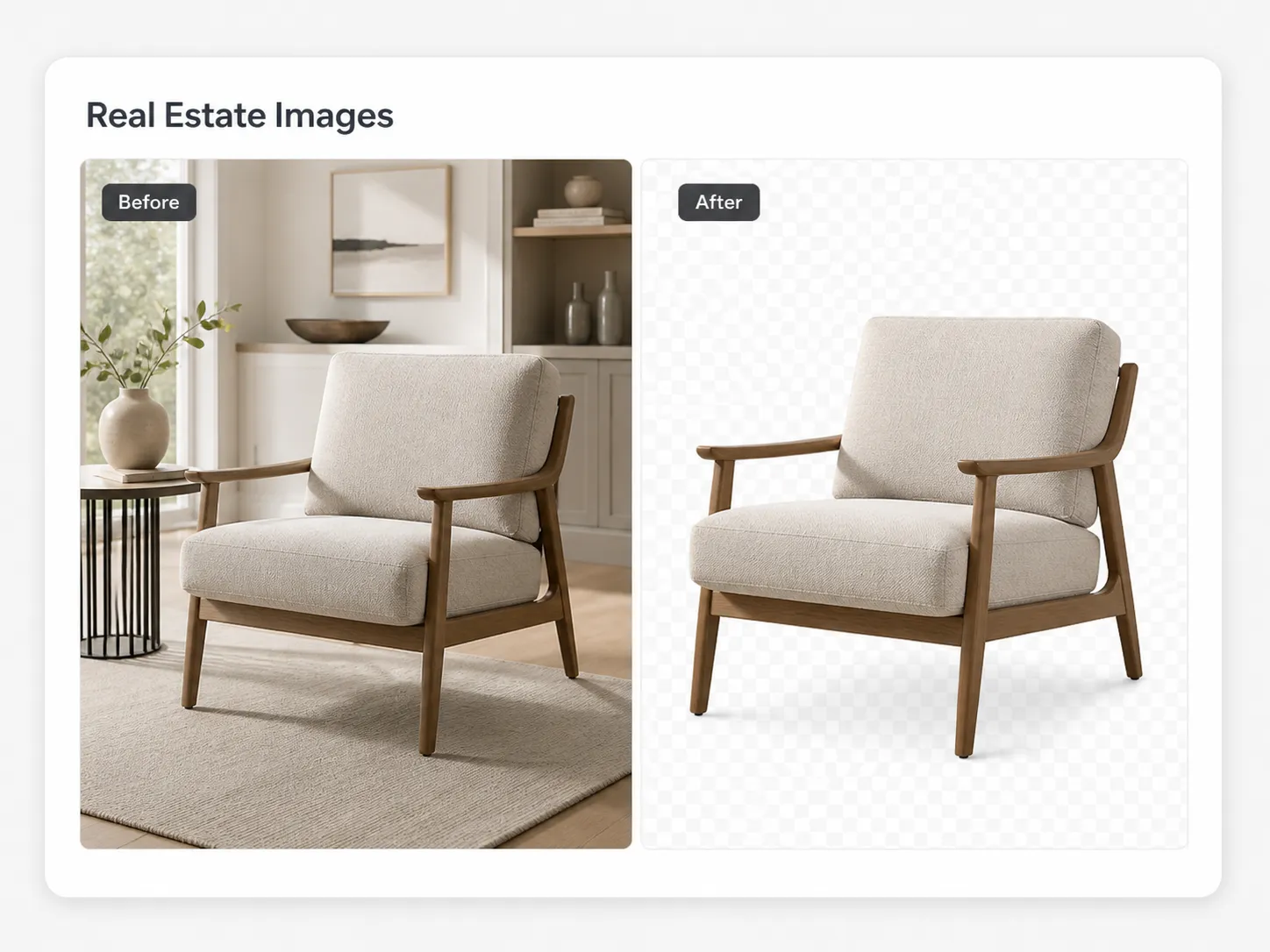
Separate listing objects and decor elements for cleaner marketing visuals.
Popular background remover workflows
These guides cover the most common ways people search for remove background from image help, from mobile photos to slide decks and professional design tools.
If you need cleaner iPhone photos, upload the picture directly from your device and let the browser workflow create a transparent PNG. It is useful for portraits, marketplace shots, pet photos, and quick social assets when you do not want to open a mobile editing app.
Users comparing Adobe Express background remover tools often want a fast upload, an automatic cutout, and a result they can download without rebuilding the design. This page focuses on that same practical outcome while keeping the workflow simple: upload, auto cut, brush any leftover edge, and export.
To remove a white background from an image, upload the file and let AI detect the foreground subject. The transparent result works better than merely changing the white pixels to another color, because it can preserve hair, product edges, shadows, and other boundary details.
For PowerPoint background cleanup workflows, export the processed PNG and place it into your slide. A transparent subject is easier to layer over colored shapes, presentation backgrounds, product mockups, and sales decks without a visible white rectangle.
For Google Slides background cleanup tasks, use this tool before inserting the image into a deck. The transparent PNG can sit on top of theme colors, charts, screenshots, or hero slides while keeping the subject visually separate from the old backdrop.
Photoshop is powerful, but many quick jobs do not need a full desktop editor. Use this Photoshop alternative when you need an automatic first pass, a simple brush for cleanup, and a transparent export for ecommerce, profile photos, and design drafts.
Designers preparing artwork for Illustrator can clean the image background first, then import the transparent PNG into a vector layout. This helps when you need a subject cutout for posters, packaging mockups, thumbnails, or marketing graphics.
Whether your search starts with Mac, Android, Canva, GIMP, or Pixlr, the goal is usually the same: remove image background areas quickly and keep the subject reusable. The browser workflow avoids app-specific steps and gives you one consistent transparent PNG export.
Automatic browser workflow
The editor is built for quick transparent cutouts. Upload a picture, let AI remove the background, preview the result, brush any leftover background, and download a reusable image.
Free and HD downloads
Free downloads are capped at 720p. Use credits or Pro when you need the cleaned photo at its original size for ads, listings, design work, or client delivery.
Export a 720p cleaned image for quick sharing and previews.
Use credits or Pro to keep the full photo resolution.
More image cleanup
Use the AI text remover when captions, watermarks, labels, or logos need cleanup but the original background should stay intact.
Upload a JPG, PNG, or WebP file and the background remover runs automatically. When you remove background from image files online, it detects the foreground subject, removes the surrounding area, and returns a transparent PNG result.
Yes. Open the page on your iPhone, upload a photo from your library, and process it in the browser. The same workflow works for portraits, product shots, pet photos, and social media images.
Upload the image and let AI segment the subject instead of only replacing white pixels. This is useful when the white background touches product edges, hair, fabric, shadows, or transparent areas.
It can replace Photoshop for quick cutout jobs. Use the automatic pass first, then brush leftover background areas if the edge needs manual cleanup before downloading the transparent PNG.
Yes. Download the transparent PNG and insert it into PowerPoint or Google Slides. The subject can sit over slide colors, charts, screenshots, and templates without the old background box.
Yes. Background removal exports PNG output so transparent areas can be reused in design tools, ecommerce layouts, and social graphics.
You can process images online and download free results up to 720p. Original-size HD downloads are available with credits or Pro.
After automatic background removal, use the brush in the workspace to mark leftover background areas. Apply the mask to erase those areas to transparency and refine the result.
Upload a photo or picture, remove background from image details with AI, create a transparent PNG, and refine the result with the brush when needed.